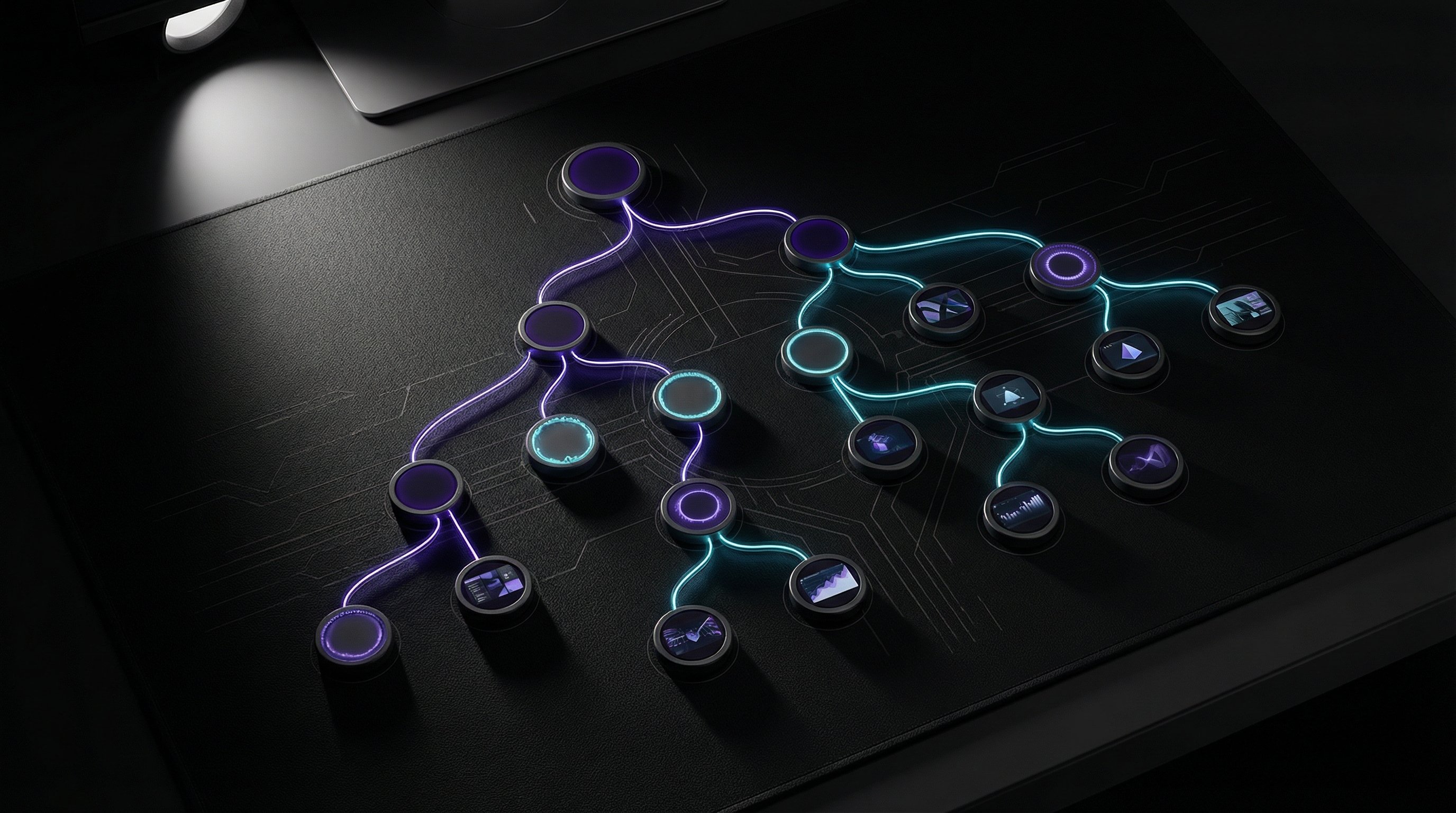
I built FlowBoard because I got tired of losing my best prompts. Every time I generated a good image, the context that made it work—the prompt variations, the negative prompts, the parameter tweaks—lived in chat history that scrolled away. FlowBoard is my answer: a visual node graph where AI image workflows become reusable, shareable, and composable.
What It Is
FlowBoard is a browser-based tool for building AI image generation pipelines. Instead of typing prompts into a chat box and hoping for the best, you construct a graph of connected nodes. Each node does one thing: generate an image, apply a style, add negative prompts, set parameters. Connect them together and you've got a workflow you can save, tweak, and run again.
The interface is React + TypeScript, rendered in a canvas with pan/zoom navigation. Nodes snap to a grid. Connections are drag-and-drop. It feels like a visual programming environment because that's essentially what it is—but for images instead of code.
Why Nodes?
The node-based approach solves three problems I kept hitting:
Iteration without loss. When you're refining a prompt, you want to try variations without losing what worked. With nodes, I fork a connection, try a different style node, and compare outputs side by side. The working version stays intact.
Reusable components. I've got a "noir comic style" node that I've dialed in over dozens of iterations. Now I just drop it into any workflow. Same with my negative prompt node for avoiding AI artifacts. Build once, use everywhere.
Visible reasoning. When I look at a FlowBoard workflow, I can see exactly how an image was made. Which prompt fed into which style, what parameters were used, what got filtered out. Chat history is linear and lossy. Graphs are spatial and complete.
The Technical Stack
FlowBoard runs entirely in the browser. The frontend is React 18 with TypeScript, using a custom canvas renderer for the node graph. State management is vanilla React—no Redux, no Zustand. The node connections are managed as a directed acyclic graph with cycle detection.
Image generation happens via API calls to Gemini, though the architecture is provider-agnostic. Nodes produce JSON that describes what they want; the execution engine figures out how to make it happen. Adding a new AI backend is just implementing an adapter.
Workflows serialize to JSON. A typical workflow is 20-50KB—small enough to paste into a GitHub gist, share in Discord, or store in local storage. No database, no accounts, no server-side state.
Pros and Cons
What works well:
- Complex multi-step generations are way easier to manage than chat-based iteration
- Workflows are portable—JSON files that work anywhere
- Visual debugging: you can see exactly where a pipeline is producing bad outputs
- Zero setup: runs in any modern browser
What's still rough:
- Learning curve—node-based UIs aren't intuitive for everyone
- No collaborative features yet (that's on the roadmap)
- Mobile experience is limited; this is really a desktop tool
- Node library is still small; I'm adding new types as I need them
What's Next
The immediate focus is integration with other tools. FlowBoard shouldn't be an island—it should connect to whatever else is in your creative pipeline. I just shipped a Scene node that captures from my Three.js IDE. Next up: pushing generated images directly into other applications.
Longer term, I want FlowBoard to support any generative workflow, not just images. Text generation, code generation, audio—anything that can be described as "inputs in, outputs out" should be composable in the same graph. The node model scales.