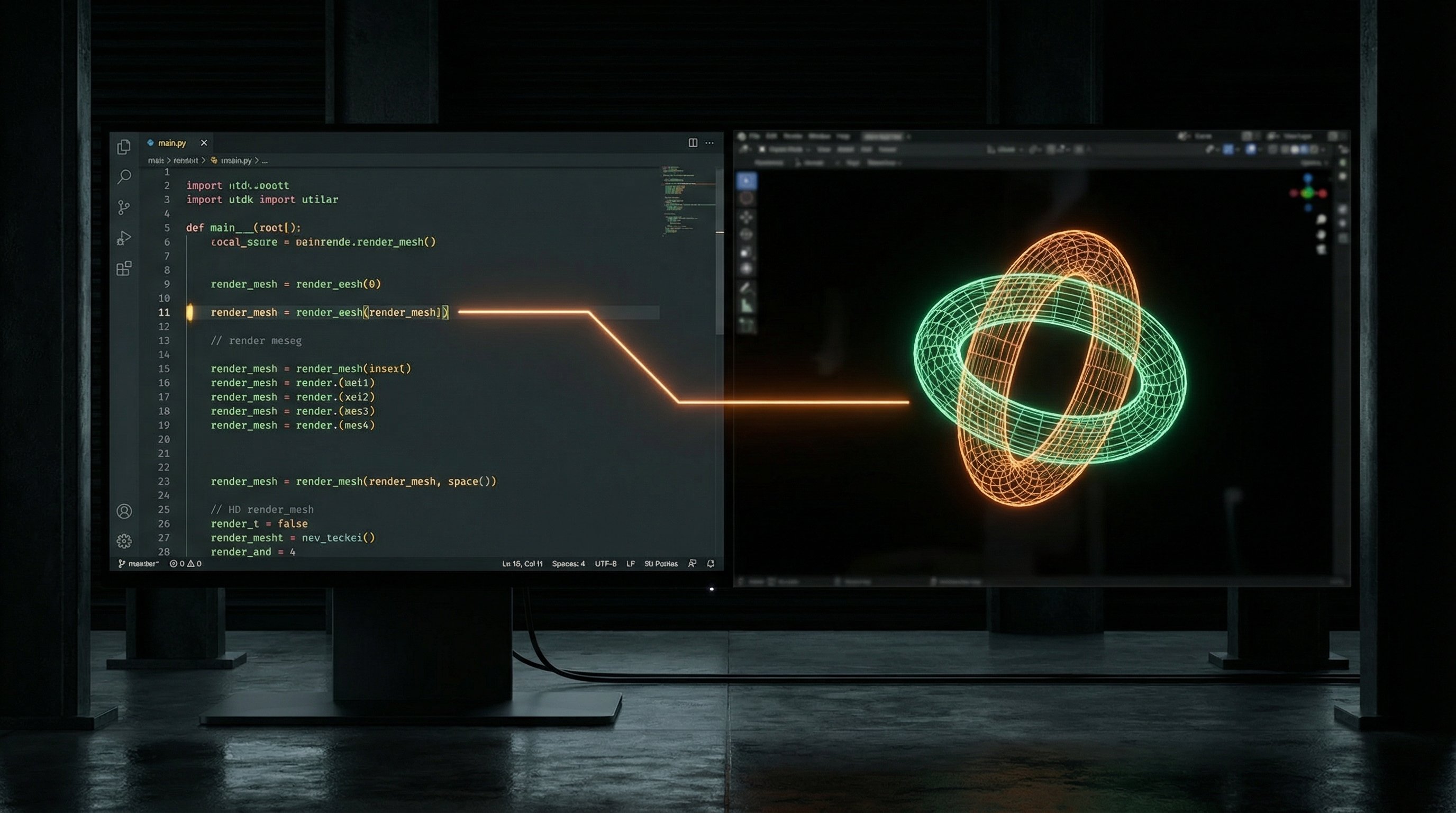
I've been working with Three.js for years, and the iteration loop always bothered me. Write code, refresh browser, check result, repeat. The feedback cycle was slow enough to break flow. So I built an IDE that puts the 3D viewport and the code editor in the same window, with live updates as you type.
What It Is
The Three.js IDE is a browser-based development environment for building 3D scenes. The left panel is a Monaco code editor (the same engine VS Code uses). The right panel is a live Three.js viewport. As you edit code, the scene updates in real-time—no manual refresh needed.
It's not trying to replace Blender or Unity. It's a focused tool for the specific workflow of writing Three.js code: prototyping shaders, testing animations, building procedural geometry, experimenting with materials. The kind of work where you want to see changes instantly.
The Core Loop
The magic is hot module replacement without the typical HMR complexity. When you edit code, the IDE parses it, identifies what changed, and patches the running scene. Change a material color? The existing mesh updates. Modify a geometry function? The mesh rebuilds. Add a new light? It appears.
This required some architectural constraints. Scene code has to follow certain patterns so the IDE can safely patch it. But those patterns also make the code more maintainable—separation of concerns between geometry, materials, and scene setup. The constraints push you toward better structure.
Technical Details
The frontend is React with TypeScript. The code editor is Monaco, configured for JavaScript/TypeScript with Three.js type hints. The 3D viewport is a standard Three.js WebGL renderer with orbit controls.
The tricky part was the live update system. The IDE maintains a scene graph that it can diff against new code. When you edit, it compiles the code in a Web Worker, compares the resulting scene description to the current scene, and applies minimal patches. Object identity is preserved when possible—this matters for things like animation state.
Scenes export as standalone HTML files. The generated code doesn't depend on the IDE; it's vanilla Three.js that runs anywhere. You develop in the IDE, export when ready, deploy wherever.
Pros and Cons
What works well:
- Instant visual feedback transforms how you think about the code
- No build step, no webpack config, no node_modules—just open and code
- Exported code is clean and dependency-free
- Great for teaching and prototyping
What's still rough:
- Complex projects with many files are awkward—it's really a single-file tool
- No asset pipeline for models, textures (you reference external URLs)
- The hot reload can't handle every code change pattern; sometimes you need to refresh
- Performance profiling tools are minimal
Use Cases
I use the IDE constantly for shader development. Writing GLSL in isolation is painful—you need to see what the code does. With the IDE, I edit the shader string and watch the material update. Same for procedural geometry: tweak a parameter, see the mesh morph.
It's also become my go-to for client demos. I can build a quick scene, export it, drop it on a static host, and share a link. No deployment complexity, no server costs. Just HTML that runs in any browser.
What's Next
The big recent addition is integration with FlowBoard. There's now a capture protocol that lets FlowBoard grab the current viewport as an image. This means I can use the IDE for 3D scene composition, then pull those scenes into AI image generation workflows. Build a scene, capture it, use it as a reference for Gemini.
Next up is the reverse direction: pushing textures from FlowBoard into the IDE's material system. Generate a texture with AI, apply it to a 3D model, all without leaving the browser.