IDE Bridge Phase 2: When Your 3D Scene Talks Back
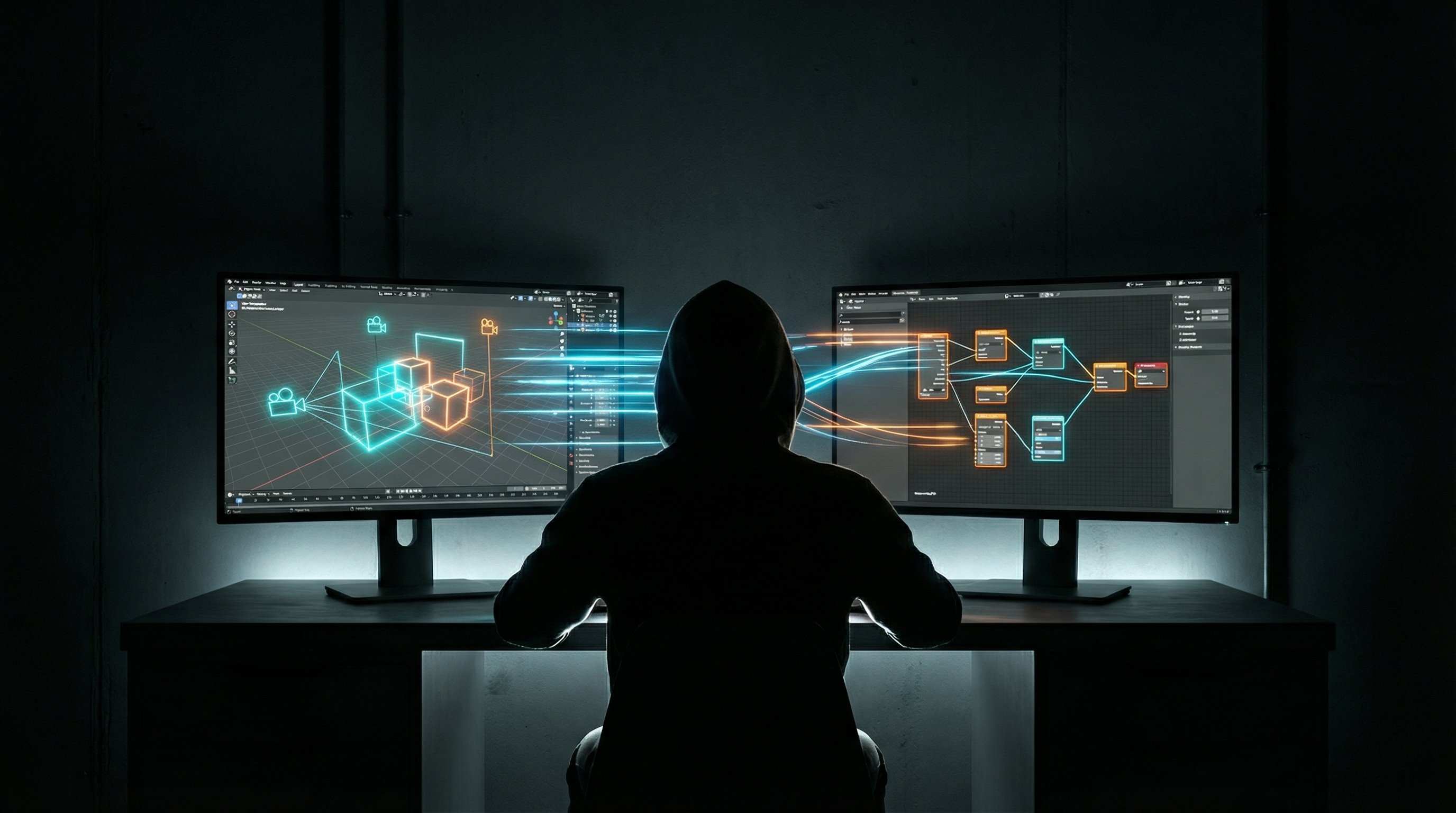
There's a moment when you're building tools that feels like magic — when two systems that were designed independently suddenly start communicating, and the whole becomes dramatically greater than its parts. This week I hit that moment with FlowBoard and the Three.js IDE.
The Problem with Creative Iteration
Here's the workflow I was stuck with: capture a scene in the Three.js IDE, save the screenshot somewhere, open FlowBoard, manually create a new workflow, paste in the image path, write a prompt, generate, look at the result, tweak the prompt, regenerate... you get it. Friction everywhere. Each step broke my creative flow.
The Three.js IDE is a real-time 3D scene editor — you build environments, set up cameras, adjust lighting. FlowBoard is a visual workflow tool for AI image generation with multiple providers (Gemini, fal.ai, OpenAI). Both powerful. Neither knew the other existed.
Building the Bridge
Phase 1 was basic: get the IDE to capture its viewport and send it somewhere. Simple message passing over postMessage, a capture button, done. Proof of concept that made me hungry for more.
Phase 2 is where it got interesting. This week I added:
Resolution capture. When FlowBoard requests a scene, the IDE now reports back its actual viewport dimensions. No more guessing. FlowBoard's img2img workflows automatically inherit the correct aspect ratio.
Camera presets. The IDE broadcasts its current camera preset — orbital, first-person, cinematic. FlowBoard knows whether it's getting a top-down strategic view or an immersive ground-level shot, and can tune prompts accordingly.
Description editing. This was the big one. The IDE now maintains a scene description that FlowBoard can read. But more than that — FlowBoard can push edits back. Change the prompt in FlowBoard, and the IDE updates its internal description. The source of truth stays synchronized.
Image-to-image support. With the fal.ai provider, I added img2img mode. Capture your 3D scene, send it as a reference, and the AI enhances it while preserving the composition. There's a strength parameter to control how much the AI deviates from your original. At 0.3, you get subtle atmosphere enhancements. At 0.7, it's taking your geometry and running with it.
The Ping-Pong Protocol
Getting two browser contexts to reliably communicate sounds trivial until you try it. The IDE might load before FlowBoard. FlowBoard might reload while the IDE is mid-operation. Either could be in a different iframe context.
I ended up with a simple ping-pong handshake. When the IDE loads, it pings. FlowBoard pongs back with its capabilities. When FlowBoard requests a capture, it sends a structured message. The IDE responds with the image data, resolution, camera info, and current description. Both sides maintain state about whether the other is available.
It's not fancy. It's robust. That matters more.
Where This Goes
Right now I'm using this for the Patient Education project — capturing anatomical scenes and enhancing them with Gemini for medical illustrations. But the architecture is generic. Any 3D editor could implement the same protocol. Any AI workflow tool could consume these messages.
Next up: I want FlowBoard to push mesh modifications back to the IDE. Imagine generating a texture variation and having it automatically applied to your scene. Or prompting for "add fog" and watching the IDE's post-processing update in real-time.
The tools are finally talking to each other. Now I just need to figure out what to tell them.